New Social Features Are Live – Raena AI Release Notes #4 👥
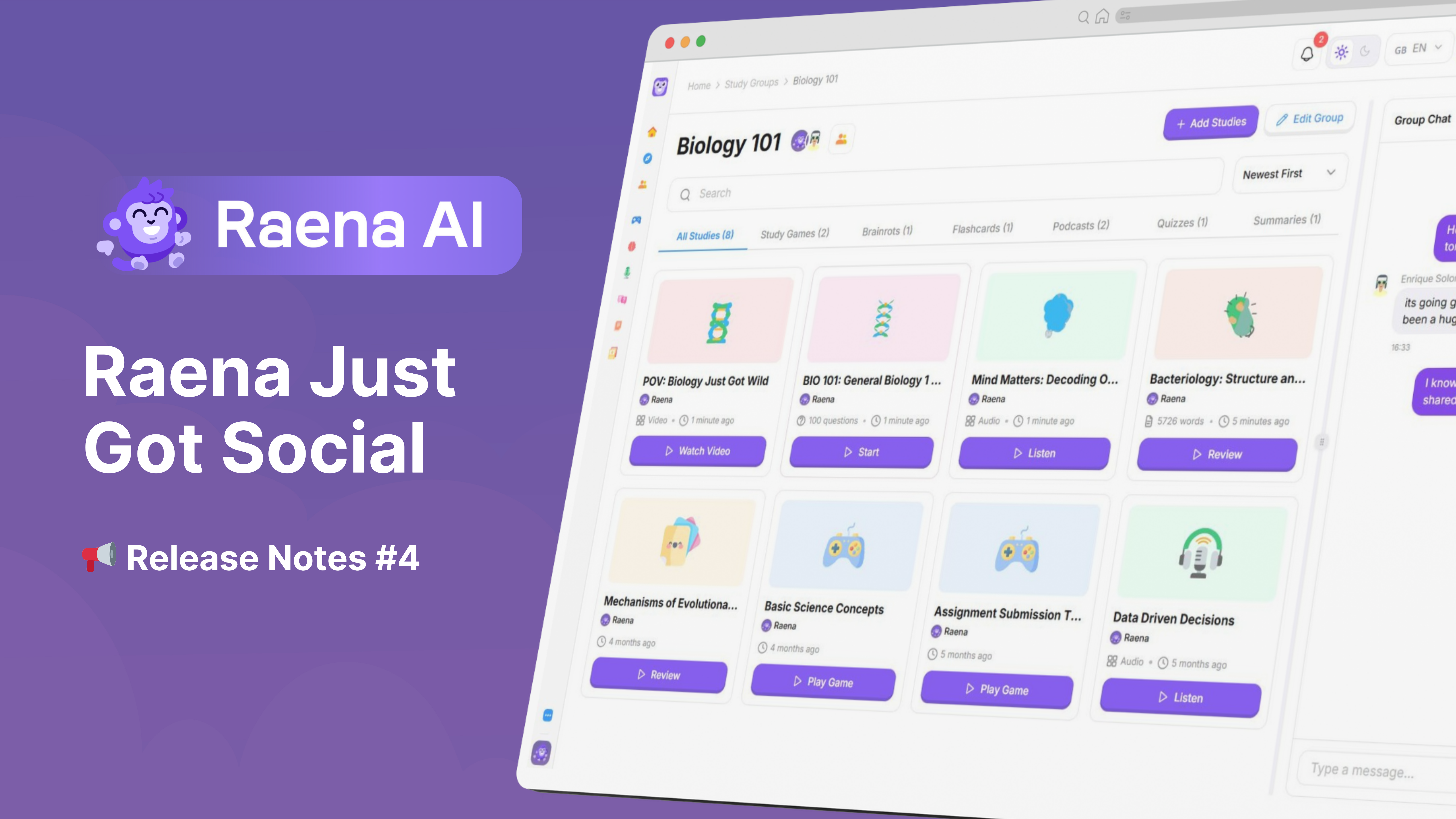
We’re excited to introduce the first step toward making Raena AI a more social and collaborative learning platform.
You can now connect with friends, collaborate in study groups, and chat together while studying — all directly inside Raena AI.
👥 Friends
You can now add friends on Raena AI and start building your study network.
Once connected, you’ll be able to easily collaborate and share learning content.
➡️ Add friends here: https://app.raena.ai/friends (or from the left-hand menu under ‘Explore’)

📚 Study Groups
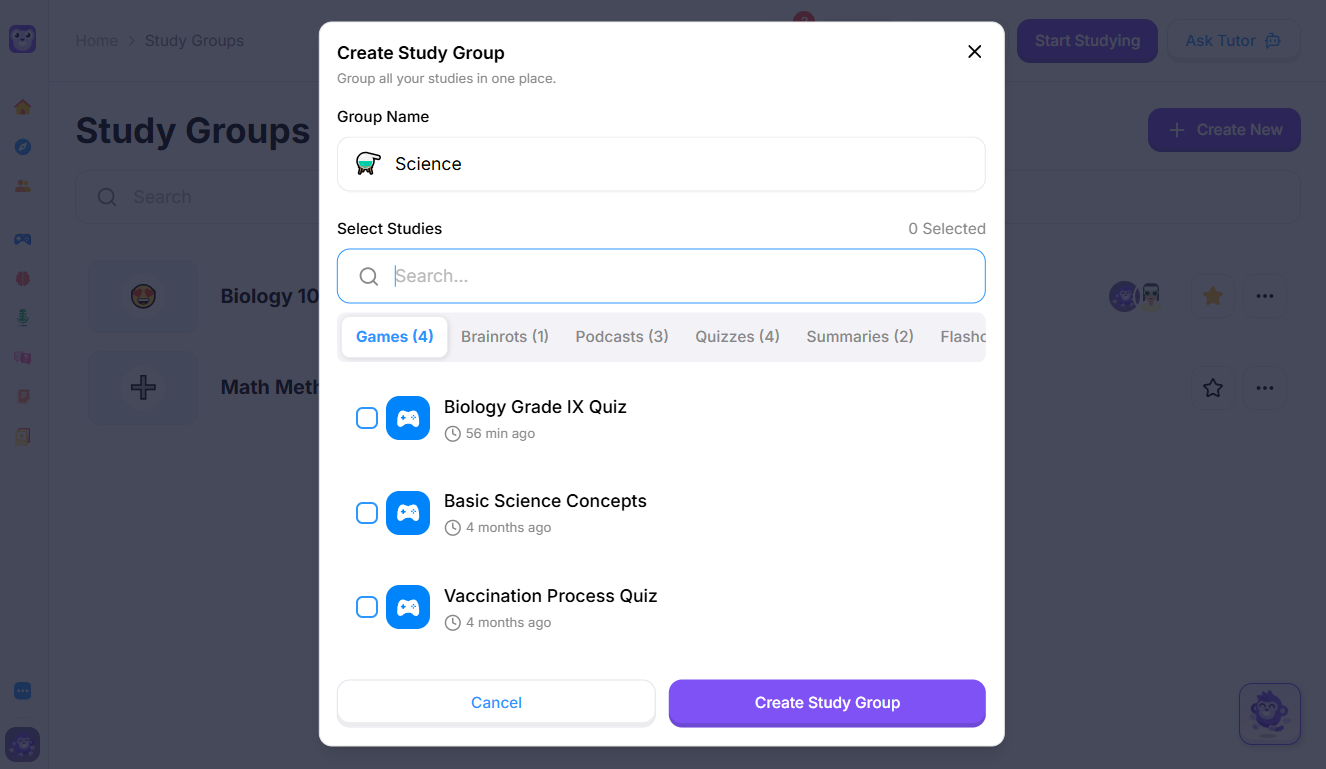
Create or join Study Groups to collaborate with your friends.
Study Groups allow you to:
Share quizzes, summaries, and other study materials
Organize learning by subject or topic
Study together in one shared space
Navigate to your account on the bottom-left of your screen and select ‘Study Groups’

💬 Group Chat
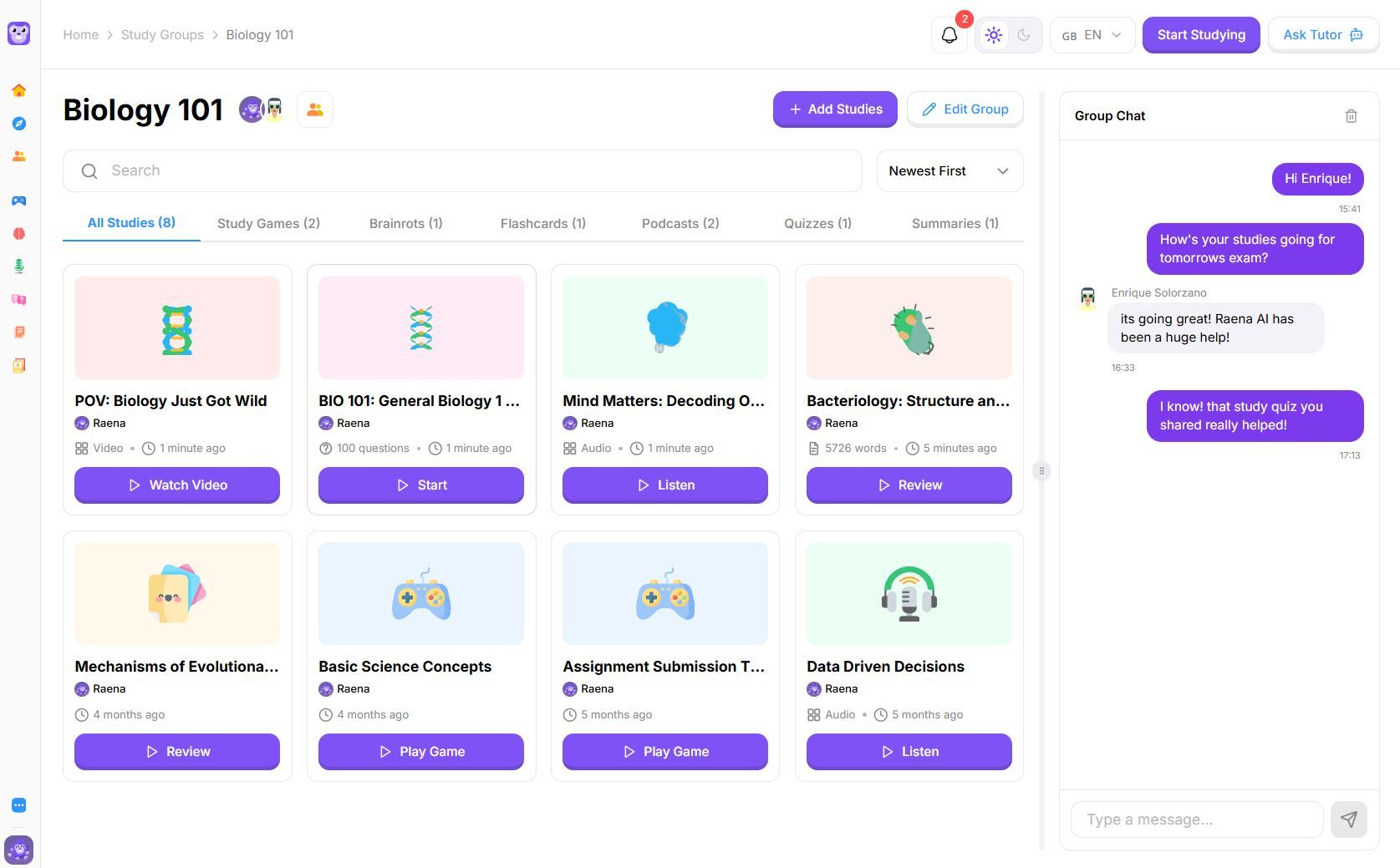
Every Study Group now includes Group Chat, so you can:
Discuss study materials
Ask questions in real time
Collaborate while learning
No more jumping between apps — everything happens inside Raena AI.
🚀 What This Means for Raena AI
These features mark the beginning of becoming a more social learning platform.
We believe studying is better together, and this update is the first step toward building a collaborative learning environment where students can connect, share, and grow together.
Let us know your feedback and thoughts below! 💜